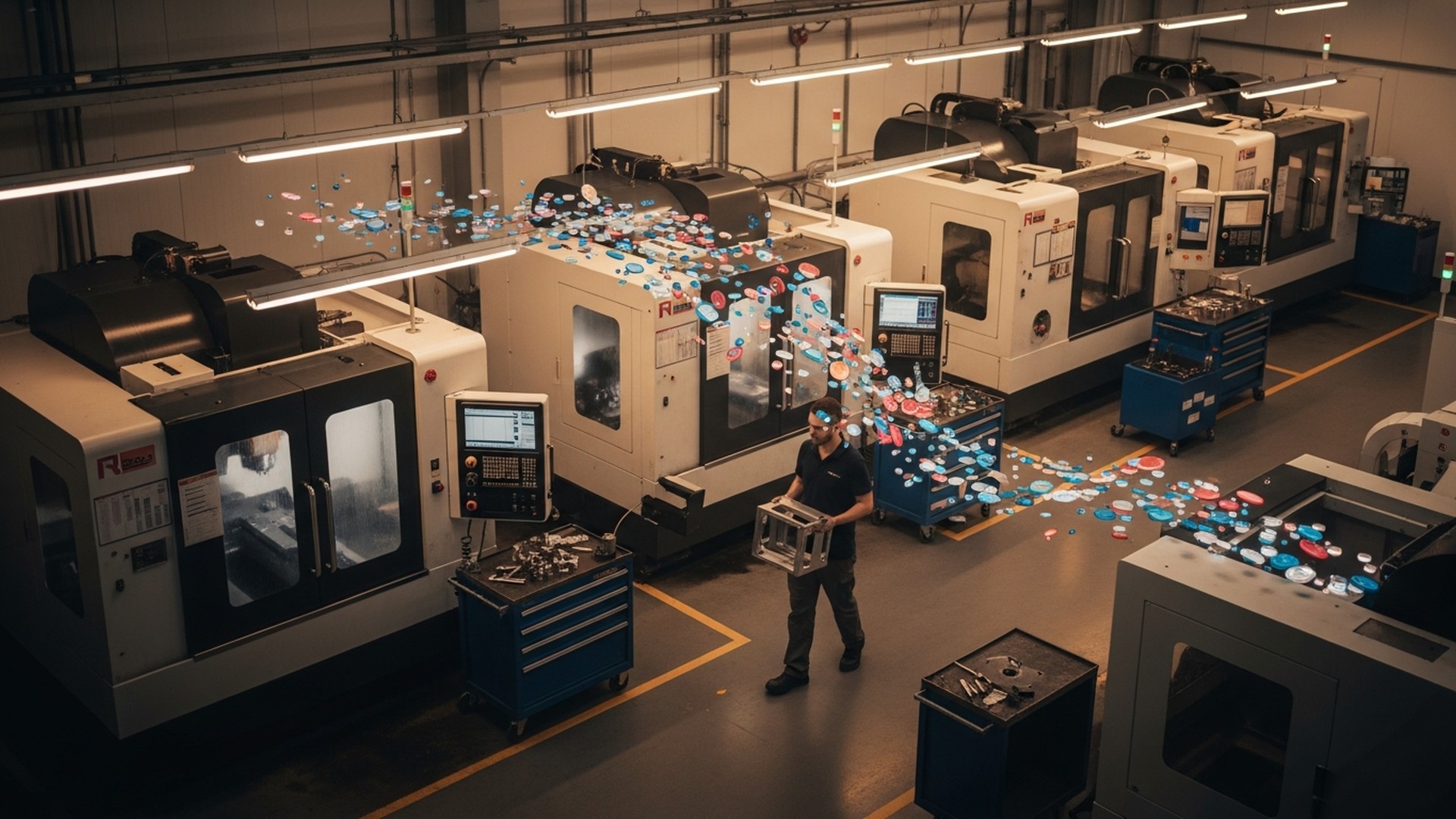
Deciding between kanban WIP limits and continuous flow software starts with one practical question: which approach will raise throughput without adding headcount while keeping operators productive? This article compares "kanban vs continuous flow WIP software" for small-to-medium CNC and contract manufacturers, showing how each method controls work-in-process (WIP), affects operator workload, and integrates with machines and ERP/MES systems. Readers will get concrete signals to choose one approach, a side-by-side comparison table, an implementation pilot plan, and a feature checklist to evaluate software vendors.
TL;DR:
-
Kanban WIP limits typically cut visible WIP by 20–40% and reduce manual dispatching; pick it when job mix varies and storage is constrained.
-
Continuous flow with pacing often increases throughput 10–40% on repeat jobs but requires accurate cycle times and machine telemetry.
-
Recommendation: baseline current WIP and cycle-time accuracy, run a 4–8 week pilot (2–4 machines or one cell), then scale using automation and ERP/MES integration.
What ‘Kanban WIP Limits’ Means in Shop-Floor Software
Definition and software enforcement of WIP limits
Kanban started as a pull system in manufacturing and later influenced software and knowledge work. On the shop floor, kanban WIP limits set a cap on how many open jobs, batches, or parts may exist at a work center or queue at once. Software enforces those caps by blocking further release, showing visual boards, and generating alerts when thresholds are reached. This prevents queues from growing unchecked and forces upstream balancing or re-prioritization.
Research and practitioner reports show kanban implementations frequently reduce visible WIP by 20–40% in pilot areas, though numbers depend on job mix and setup times. For an operations manager, the key metric is the WIP level by work center and by SKU family. Software adds an audit trail so managers can see who released work, when a pull token moved, and how long cards waited in each state.
How kanban tokens/cards translate to digital controls
Physical kanban uses cards or bins. Digital kanban maps those tokens to software objects: cards, work items, or virtual bins tied to routing steps. Common enforcement mechanisms in software include:
-
Hard caps on the "Ready" or "Waiting" column that block new releases.
-
Automatic re-routing when tokens are returned or when a time-based rule expires.
-
Operator visual cues: color changes, flashing tiles, or priority badges on a shop-floor display. Digital kanban captures timestamps (create, pull, complete) to support cycle-time and queue analysis—offering an audit trail analog kanban lacks.
For background on kanban basics in knowledge work and software, see this Kanban overview for Agile teams.
Typical metrics tracked (WIP, cycle time, queue length)
Effective kanban software tracks:
-
WIP by work center and SKU family
-
Average and percentile cycle times per routing step
-
Queue length and aging (how long items wait before being pulled)
-
Pull-to-complete time and frequency of token returns
The Open Guide to Kanban provides detailed practices for defining tokens and limits and applies cleanly to shop-floor implementations: Open Guide to Kanban (PDF).
What ‘Continuous Flow’ Looks Like When Supported by Shop-Floor Software
Definition: balancing flow vs batching in a CNC context
Continuous flow aims for steady movement of parts—ideally single-piece or very small-batch flow—through a cell or line so that parts do not wait idle between operations. For CNC shops this often means balancing operations across milling, turning, and deburring so a part leaves one machine and is picked up with minimal delay. Unlike kanban, which caps WIP, continuous flow focuses on pacing and takt—matching production rate to demand.
Little’s Law helps explain the math: average WIP = throughput × flow time. For a given throughput target, reducing flow time (waiting) lowers WIP and lead time. For a readable discussion of Little’s Law and flow, see MIT Sloan’s explanation: What you should know about Little’s Law.
Software features that enable continuous flow (routing, takt, pacing)
Software designed to support continuous flow includes:
-
Takt time calculators and visual pacing boards
-
Routing-level pacing rules (e.g., release a part only when downstream cell has capacity)
-
Automatic sequencing to minimize setup frequency and match machine cycle times
-
Real-time machine-state visibility (running, idle, downtime) so the system can pause or accelerate releases
Continuous flow depends on accurate cycle/standard times from CNC programs and close machine monitoring. For more on machine telemetry needs, read about CNC monitoring. Automatic downtime detection also feeds flow-sustaining software to prevent starved or blocked machines: automated downtime detection.
Key KPIs: throughput, flow time, work-in-process age
When measuring continuous flow success, focus on:
-
Throughput per shift or per bottleneck machine
-
Mean and 95th-percentile flow time for a part family
-
WIP age distribution (how long items sit idle)
-
OEE at the bottleneck and across the cell
Continuous flow can produce large OEE and lead-time improvements on repeat work. Precise gains vary, but shops with high-repeat work and low setup times often see the biggest benefit.
Kanban WIP Limits vs Continuous Flow: Direct Comparison for Throughput and Workload
When comparing "kanban vs continuous flow WIP software" the practical question is how each approach changes throughput, operator tasks, and scheduling complexity. Below is a compact comparison table, followed by a discussion of trade-offs.
| Aspect | Kanban WIP Limits | Continuous Flow |
|---|---|---|
| Primary goal | Limit WIP to reduce queues and force pull | Smooth, paced movement to minimize waiting |
| Software control types | Hard/soft caps, visual boards, blocking rules | Takt/pacing, routing sequencing, machine-state triggers |
| Best job mix | High variability, mixed repeat/custom runs | High-repeat, long runs, predictable processing |
| Expected throughput change | 5–30% (depends on upstream constraints) | 10–40% (depends on setup times and cycle accuracy) |
| Lead time impact | Often reduces lead time by lowering queue length | Can sharply lower lead time if flow is achieved |
| Sensitivity | Low setup sensitivity; helps when set-ups are frequent | Sensitive to long setups and machine downtime |
| Operator workload | Reduces decision-making but may require frequent changeovers | Requires sustained attention to pacing, fewer context switches |
| Integration needs | ERP pulls, basic machine status helpful | Strong machine telemetry and cycle-time accuracy required |
For a real-world example of utilization gains when improving flow and visibility, see the Leesta case study.
How each approach affects operator workload and manual interventions
Kanban simplifies operator choices: work is either available within limits or blocked. That often reduces manual dispatching and the number of times a scheduler must intervene. Continuous flow shifts work toward sustaining a cadence: operators focus on rapid handoffs, small batch setups, and preventing the line from starving or blocking. That can reduce context switching but raises the importance of quick, consistent changeovers and real-time exception handling.
Both models reduce manual steps when software integrates with machines and ERP. Shops that lack machine telemetry will see limited benefit from continuous flow because the system cannot reliably detect whether parts are actually processing.
How each scales with shop size, job mix, and variability
-
Small shops with many short runs and unpredictable demand typically benefit from kanban WIP limits first. It limits chaos and gives a simple rule operators can follow.
-
Medium shops with a growing repeat workload and investment in monitoring tend to get more incremental throughput from continuous flow after solving cycle-time accuracy.
-
Hybrid models are common: kanban controls WIP feeding into a paced cell that runs continuous flow for a particular SKU family.
Include a short explainer video to help visualize differences between pull tokens, pacing, and blocking: viewers will learn the typical signal flows and when each approach reduces wait time.
When Kanban WIP Limits Are the Better Software Choice for a Shop
Shop profiles that benefit most (mixed repeat/custom work, constrained WIP space)
Kanban WIP limits fit shops with:
-
Many short runs and high product mix
-
Frequent job interruptions and variable routing
-
Limited physical storage for WIP or finished goods
-
Operators who handle multiple setups per shift
Example: a 10-machine job shop running many 4–8 hour setups with short cycle times. Introducing WIP caps prevents backlogs at deburring and inspection, freeing operators from ad-hoc triage and reducing time spent searching for correct parts.
Operational signals to choose kanban (large variability, limited finished-goods space)
Consider kanban when you observe:
-
Regular queue pile-ups at specific work centers
-
Dispatchers manually moving jobs multiple times per shift
-
Excessive operator task switching (measured as touch counts)
-
Storage or floor space constraints forcing frequent rework
Also review staffing concerns: when hiring is difficult, kanban can raise effective throughput by limiting wasted movement and rework. For workforce context, see our article on handling the machinist shortage.
Practical examples and quick wins
Quick wins with kanban software:
-
Set WIP caps at the bottleneck first; measure queue length and pull frequency.
-
Use digital cards that auto-assign operator tasks when a token is pulled.
-
Add simple visual displays at the cell so operators know when to pull or stop.
A conservative rollout often shows immediate reductions in manual dispatching and WIP. Track manual intervention counts and operator touch time before and after to quantify gains.
When Continuous Flow Software Outperforms Kanban for Throughput
Shop profiles that benefit most (high-repeat, long runs, low setup times)
Continuous flow shines in shops with:
-
High-repeat production (e.g., 50%+ of hours on repeat SKUs)
-
Low or optimized setup times (SMED reductions)
-
Predictable demand patterns allowing fixed takt calculations
Example: a turning cell running a handful of part families for steady weekly demand. Pacing the cell to takt reduces idle time and increases throughput because the system minimizes waiting between steps.
Requirements before adopting continuous flow (accurate cycle times, uptime)
Critical prerequisites:
-
Reliable cycle/standard times derived from CNC programs or historical telemetry
-
Machine monitoring that reports run/idle/downtime with low latency
-
Quick, repeatable changeovers or changeover buffering strategies
-
A control system that can pause or accelerate releases based on live machine state
Without accurate cycle times and telemetry, flowing parts can create more chaos than order. Continuous flow presumes the system knows when a downstream operation will be ready.
Hybrid cases: blending flow and kanban
Many shops adopt a hybrid: kanban WIP limits control buffers feeding a paced cell. That approach:
-
Protects the cell from upstream variability
-
Keeps WIP bounded while preserving the benefits of pacing inside the cell Hybrid deployments are often the safest path for shops transitioning from manual scheduling to automated flow control.
Key Software Features to Implement Kanban WIP Limits or Continuous Flow
Essential controls: digital WIP limits, routing, automatic sequencing
Checklist of must-have controls:
-
Configurable WIP caps per work center, SKU family, and routing step
-
Visual kanban boards and operator-ready task lists
-
Takt time calculators and sequencing engines for paced flow
-
Exception handling: alerts for blocked tokens, starved machines, and missed takt
Data requirements: cycle time capture, OEE, real-time machine states
Accurate decisions rely on data:
-
Cycle time capture from CNC programs or spindle/motion signals
-
OEE at machine and cell level to expose true capacity
-
Real-time machine states (running, idle, alarm) to trigger releases or holds
For practical machine-connection guidance, consult the connector guide to connect machines.
Integrations: ERP/MES, CNC monitoring, operator interfaces
Integration points that matter:
-
ERP/MRP for demand and order release (SAP, Oracle NetSuite, Epicor)
-
MES platforms for traceability and work-order synchronization (Siemens Opcenter, Rockwell FactoryTalk)
-
Machine-monitoring tools (Predator, Shopfloor-Online, or in-house OPC-UA connectors)
-
Simple operator screens or tablets at the cell for pull and pacing instructions
Manage operator workload more effectivelyTrack operator activities, balance workloads and improve productivity without increasing headcount.Explore workforce management →
Good software exposes KPIs that matter: WIP level, throughput per shift, mean flow time, operator touch time, and manual interventions count. Tie those KPIs back to scheduling rules in your ERP or MES to create closed-loop control. For broader production planning practices, see our production planning guide.
Implementation Roadmap: Piloting WIP Limits or Continuous Flow Software on the Shop Floor
Pilot design and success criteria (scope, duration, sample SKUs)
Typical pilot structure:
-
Scope: 2–4 machines or one production cell with 3–6 representative SKUs.
-
Baseline: 2 weeks of current-state metrics for throughput, WIP, cycle-time variance, manual interventions, and OEE.
-
Run: 4–8 week pilot applying either kanban WIP limits or paced flow rules.
-
Review: Daily standup metrics and weekly steering meetings.
Success criteria examples:
-
Throughput increase of X% (set realistic X, e.g., 10%)
-
WIP reduction of Y% (e.g., 25%)
-
Manual interventions reduced by Z per shift (track scheduler touches)
Key KPIs to track weekly and daily
Daily:
-
Throughput per shift
-
Machine run time vs. scheduled run time
-
Number of blocked/starved events
Weekly:
-
Average WIP per work center
-
Cycle-time variance and 95th-percentile flow time
-
Manual intervention counts and root-cause categories
Use these to decide whether to pivot rules or extend scope.
Common pitfalls and remediation
Pitfalls:
-
Inaccurate cycle times feeding pacing (remedy: collect telemetry for 2–4 weeks before pilot)
-
Insufficient operator buy-in (remedy: run short training and include operators in rule design)
-
Data gaps from poorly connected machines (remedy: add edge connectors or manual gatekeepers, see our connector guide)
For a checklist on reducing human touch points during rollout, consult this guide on how to reduce manual steps.
Key Decision Points at a Glance (Quick Reference List)
Top 7 criteria to choose between kanban and continuous flow
-
Job mix variability: High → Kanban; Low → Continuous flow
-
Average setup time: Long → Kanban; Short → Continuous flow
-
Finished-goods/storage limits: Constrained → Kanban
-
Cycle time accuracy: Low → Kanban; High → Continuous flow
-
Machine telemetry: Missing → Kanban; Present → Continuous flow
-
Scheduler workload: Overloaded → Kanban
-
Repeat volume share: >40% → Consider continuous flow
How to score your shop against each criterion
Score each criterion 0–3 (0 = poor fit for continuous flow, 3 = excellent fit). Add scores for continuous flow suitability. A total under 10 suggests starting with kanban WIP limits; 10–15 suggests a hybrid pilot; above 15 suggests a continuous-flow pilot.
Quick scoring example:
-
Job mix variability (1)
-
Average setup time (2)
-
Cycle time accuracy (3)
-
Machine telemetry (2)
-
Repeat volume share (2) Total = 10 → hybrid pilot recommended.
The Bottom Line: Choosing Between Kanban WIP Limits and Continuous Flow Software
Kanban WIP limits offer a low-friction, effective way to reduce queues and manual scheduling in mixed-job shops; continuous flow delivers larger throughput gains for repeatable work when cycle times and machine telemetry are accurate. Start by baselining WIP and cycle-time accuracy, run a 4–8 week pilot on a small cell, and expand using integrations with ERP/MES and machine monitoring. Many shops adopt a hybrid approach: kanban upstream feeding a paced cell downstream.
Frequently Asked Questions
Will choosing software reduce the need to hire more machinists?
Short answer: sometimes. Both kanban WIP limits and continuous flow reduce wasted movement, rework, and manual dispatching, which can raise effective throughput without immediate hiring. Typical pilots report throughput gains that can defer hiring: kanban pilots often yield immediate WIP and dispatching reductions, while continuous flow can increase throughput substantially on repeat work if cycle times are accurate. Track throughput per operator and manual intervention counts during your pilot to quantify staffing impact.
How do I measure whether a pilot is successful?
Use a short set of KPIs tracked daily and weekly: throughput per shift, average WIP, mean and 95th-percentile flow time, machine OEE at the bottleneck, and counts of manual interventions. Define target improvements (for example, 10% throughput gain or 25% WIP reduction) before the pilot and compare against baseline over 4–8 weeks. Include operator feedback as a qualitative measure.
Will this integrate with our existing ERP or MES?
Most modern WIP and flow solutions connect to ERP/MES for order release, inventory, and routing. Common ERP systems include SAP, Oracle NetSuite, and Epicor; MES systems include Siemens Opcenter and Rockwell FactoryTalk. When evaluating vendors, verify they support order synchronization and can both read and write work-order status to avoid double data entry.
How should exceptions be handled during paced flow?
Exceptions—machine downtime, quality holds, long setups—should trigger automated rules: pause releases to the affected cell, divert work to alternate machines, or send immediate alerts to supervisors. Reliable machine telemetry and automated downtime detection are essential to avoid manual polling. If telemetry is not available, plan temporary manual gates and escalation protocols during the pilot.
Can kanban and continuous flow coexist on the same shop floor?
Yes. Hybrid implementations are common: kanban caps upstream WIP feeding a paced downstream cell. This protects the paced cell from upstream variability while keeping overall WIP bounded. Start with a hybrid for lower risk: implement kanban limits first, then add pacing inside the most repeatable cell once cycle-time accuracy and monitoring are proven.
External sources cited in context:
-
Kanban overview for software and visual workflows: https://www.geeksforgeeks.org/software-engineering/kanban-agile-methodology/
-
Open Guide to Kanban (detailed practices): https://kanbanguides.org/open-guide-to-kanban/2025.7/pdf/open-guide-to-kanban.en.pdf
-
Kanban workflow guide and definitions: https://www.scrum-institute.org/what-is-a-kanban-workflow-kanban-workflow-definition-kanban-workflow-meaning.php
-
Lean practices and WIP guidance: https://www.lean.org/
Related Articles