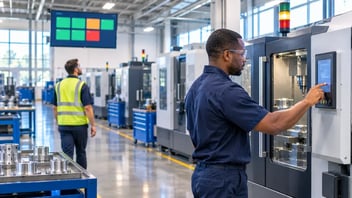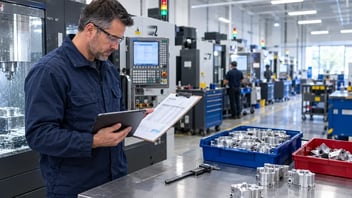
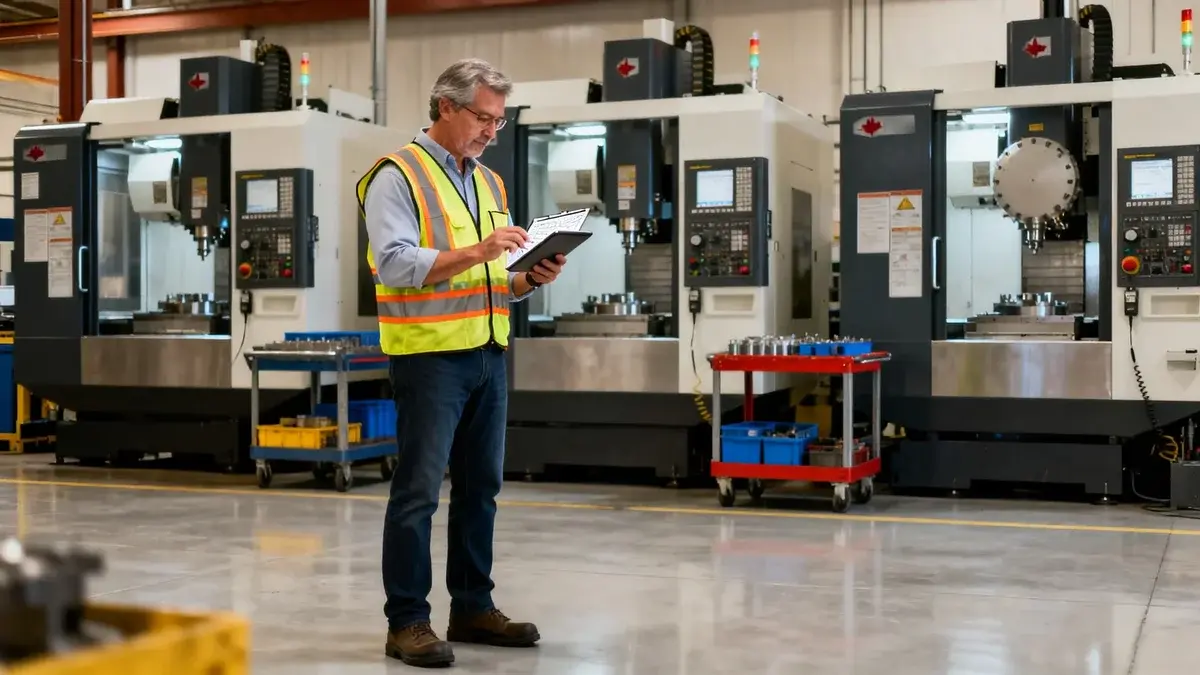
A gemba walk is a visit to the shop floor to see how the work is really done. The manager goes to the machines, watches the process and asks the operators questions. In lean management, it is a simple habit that pays off quickly.
In a CNC shop, the walk often misses the real problem. You walk past at 9 a.m., the machines are cutting, and everything looks fine. The long setup, the wait for material and the stop on the night shift happened before you arrived. This guide explains what a gemba walk is and what it is for. It also shows how to run one in a CNC shop, starting with the stop data from the previous shift.
What Is a Gemba Walk?
Gemba is a Japanese word that means “the real place”: the place where value is created. In a factory, the gemba is the production floor. A gemba walk is the practice of going there to observe the work directly, instead of relying only on reports and meetings.
The practice comes from the Toyota Production System and lean management, as described by the Lean Enterprise Institute. It rests on three ideas:
- Go and see. Observe the process where it happens, at the machine, not from the office.
- Ask why. Ask open questions to understand the causes, not to find someone to blame.
- Show respect. The operators know the process best. The walk is a conversation with them, not an inspection.
What Is the Purpose of a Gemba Walk?
The first purpose is to understand how the work really happens. A report says that a job took 12 hours instead of 8. The shop floor shows why: a missing tool, a fixture that needs adjusting, or a program that needs a correction at the machine. Sometimes the operator simply runs three machines and cannot be everywhere.
The second purpose is to remove what gets in the way. Each walk should end with a few small, concrete actions, each with an owner and a date. The third purpose is to support the team. A manager who comes to the floor regularly hears about problems early, while they are still small.
Why Gemba Walks Often Miss the Problem in a CNC Shop
A gemba walk shows you a moment, not a shift. CNC machines often run for long periods with little operator input, so what you see during a 20-minute walk is rarely what cost the most time. The biggest losses often come from events that are already over:
- A long setup on the previous shift.
- A machine that stopped during the night, waiting for a decision.
- Short, repeated stops that nobody remembers by the end of the day.
- A job that produced non-conforming parts before the problem was found.
Without data, the walk tends to follow the noise: the machine with an alarm right now, or the operator who complains the loudest. With data from the previous shift, you know before you leave the office which machine lost the most time, and for which reason.
Know where the time went before you walk. JITbase records the state of each machine and every stop, so you can see the previous shift by machine before you go to the floor.
See machine monitoringHow to Do a Gemba Walk in a CNC Shop: 7 Steps
- Look at the previous shift before you walk. Check the stops and their reasons by machine. Pick the one or two machines that lost the most time, or the reason that keeps coming back. Ranking stops by reason is the same method as in root cause analysis with Pareto charts.
- Choose one theme. Setups, waiting for material, first parts, or non-conforming parts on one job. A walk with one theme gives better answers than a tour of the whole shop.
- Go when the problem happens. If the losses are in setups, be there during a setup. If they happen at shift change, walk at shift change.
- Observe the process, not the people. Watch the sequence of the work: where the operator walks, what they search for, what they wait for.
- Ask open questions. Start from what you saw in the data: “Machine 4 stopped for 50 minutes last night for a tool issue. What happened?”
- Write down what you saw. Note the facts next to the data. When the two disagree, for example a stop reason that does not match what the operator describes, that is a finding too.
- Agree on one or two actions. Give each action an owner and a date, then check it on the next walk. The follow-up is what turns the walk into improvement.
The table below shows how a signal in the data becomes a question on the floor.
| What the data shows | What to look at on the floor | Question to ask |
|---|---|---|
| Long setup stops on one machine | The setup itself: tools, fixtures, offsets, first part | What do you have to look for or wait for during a setup? |
| Stops for waiting on material or a program | Where the material and programs come from, and who releases them | When did you know this job was next, and what was missing? |
| Many short stops with the same reason | The machine during a few cycles | What makes you stop the machine during the cycle? |
| Non-conforming parts on one job | The inspection step and the first part | At which step did you find the problem, and how? |
| Stops with no reason entered | How the operator enters stops at the machine | What makes it hard to enter the reason when the machine stops? |
Repeated short stops, setups and waiting are also the usual signs of a constraint. If the same machine keeps coming back, see bottleneck analysis in CNC shops. For setups, small kaizen experiments are a good way to test the actions that come out of the walk.
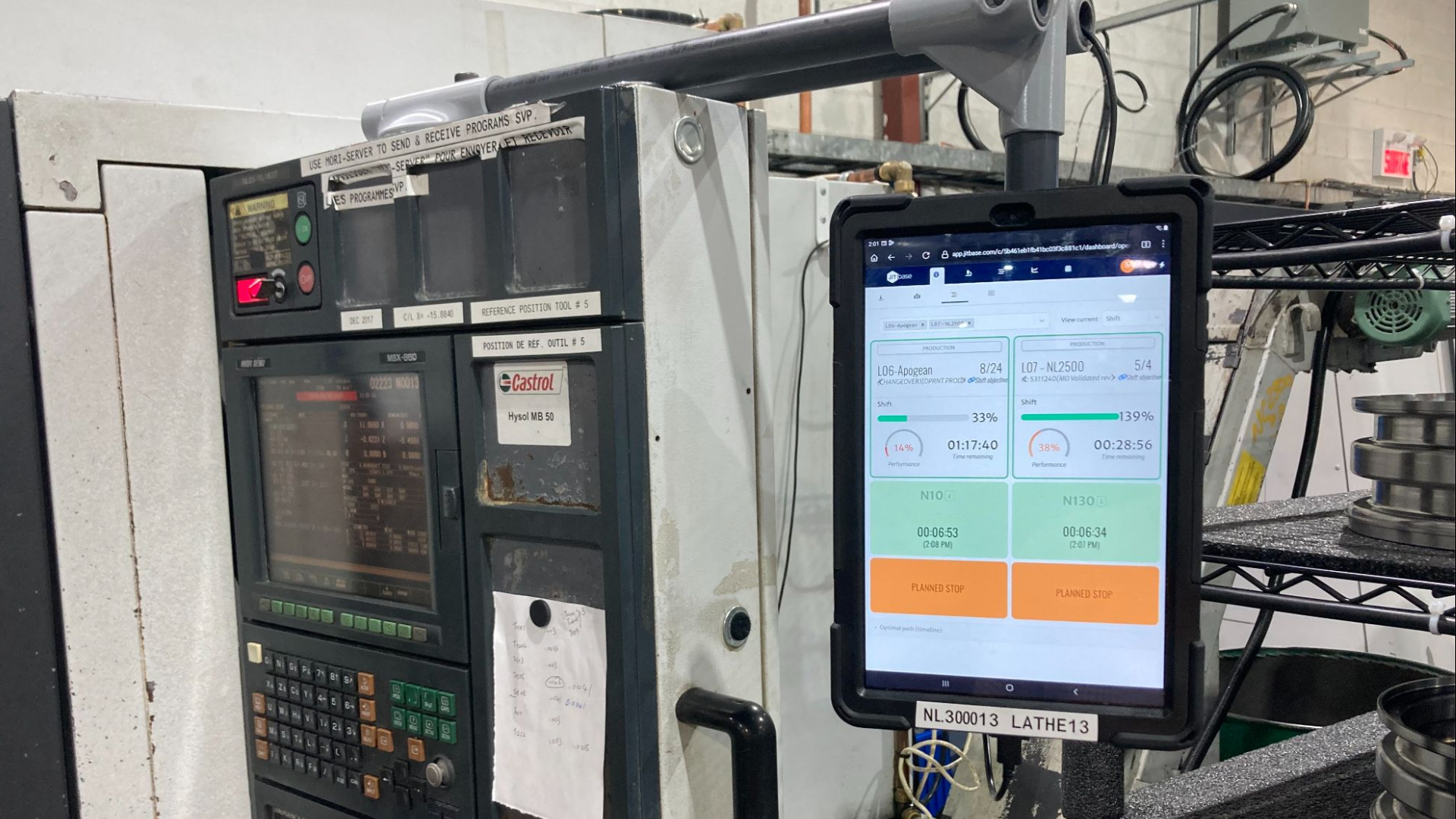
Give operators a screen at their station. Operators report what happens at their workstation, and supervisors see it in real time.
See the operator interfaceGemba Walk Checklist: Questions to Ask
A short list of questions keeps each walk consistent. Choose the ones that fit your theme:
- What is the standard for this step, and is it written down?
- What stopped you during the last shift?
- What do you wait for most often: material, a program, a tool, an inspection, a decision?
- What do you have to look for during a setup?
- Is it easy to enter the stop reason at the machine? If not, why?
- Which job or part number causes the most problems?
- If you could change one thing on this machine, what would it be?
Ask the operator to show you, not only to tell you. A question about a specific stop gets a better answer than a general question like “any problems today?”.
Gemba Walk and the Daily SQDCP Meeting
Many shops pair the gemba walk with a short daily meeting in front of an SQDCP board: safety, quality, delivery, cost and people. The meeting reviews the previous day in a few minutes. The walk then goes to the floor to understand the biggest gap.
The two work best when they use the same data. Stops by machine and their reasons feed the delivery and cost discussion, and non-conforming parts feed the quality discussion. To build this routine, see the daily production routine for CNC shops and production dashboards by role. What is learned on the walk should also reach the next shift, through a clear shift handover.
Common Gemba Walk Mistakes
- Turning the walk into an inspection. If operators feel checked, they stop showing the real problems. This matters even more when the shop has just started collecting machine data. See how to get operator buy-in.
- Walking without a theme. A general tour produces a long list of observations and few actions.
- Following the noise. The machine in alarm right now is not always the one that lost the most time. Check the previous shift first.
- Fixing things on the spot without the operator. A quick fix by the manager often does not last. Agree on the action with the people who do the work.
- No follow-up. An action that is never checked teaches the team that the walk changes nothing.
- Replacing the walk with a screen. A dashboard shows where to look. It does not show why. You still have to go to the machine.
Where JITbase Fits
JITbase records the state of each CNC machine and every stop. On the machine screen, the operator enters the reason for each stop and can tell a breakdown from a planned stop, such as a setup or a break. The operator also declares non-conforming parts and can call a supervisor from the screen. Before the walk, the supervisor sees the stops and their reasons for the previous shift, by machine.
JITbase does not do the gemba walk for you. It shows which machine and which stop deserve your time, but the cause is found at the machine, with the operator. What it adds is a clear starting point, so each walk begins with the right question. When an operator needs help during the shift, the call from the machine screen works like an andon system.
Key Takeaways
- A gemba walk is a visit to the shop floor to see how the work is really done: go and see, ask why, show respect.
- In a CNC shop, a walk shows a moment, not a shift. The biggest losses often happened before you arrived.
- Check the stops and their reasons from the previous shift, then pick one or two machines and one theme.
- Observe the process, ask open questions about specific stops, and agree on one or two actions with an owner and a date.
- Machine data tells you where to look. The walk tells you why.
See what fewer stops are worth. Estimate the return of tracking stops and their reasons on your own machines.
Calculate your return on investmentFrequently Asked Questions
What is a gemba walk?
A gemba walk is a visit to the place where the work is done, to see how it is really done. Gemba is a Japanese word that means “the real place”. In a CNC shop, the gemba is the shop floor: the machines, the setups, the inspection bench and the operators who run them.
The walk comes from lean management and the Toyota Production System. It rests on three ideas: go and see, ask why, and show respect. The manager observes and asks questions. The goal is to understand the process, not to check on people.
What is the purpose of a gemba walk?
The purpose is to understand how the work really happens and to find what gets in the way. Reports and meetings show a summary. The shop floor shows the waiting, the searching, the workarounds and the setups that take longer than planned.
A second purpose is to support the team. Operators know where the problems are, and the walk gives them a regular moment to say so. Each walk should end with a small number of actions, each with an owner and a date.
How often should you do a gemba walk?
There is no fixed rule. Many shops do a short walk every day, often right after the daily production meeting, and a longer walk on one theme each week. A daily walk of 15 to 30 minutes is easier to keep up than a long monthly visit.
What matters most is regularity and follow-up. A walk that happens every day, with the actions checked on the next walk, does more than an occasional visit with a long list of findings that nobody closes.
What questions should you ask during a gemba walk?
Ask open questions about the process. For example: what is the standard for this step, what stopped you during the last shift, what do you need that you do not have, and what would you change first? Ask the operator to show you, not only to tell you.
Avoid questions that sound like blame, such as “why is this machine stopped?”. Ask instead what is happening and what is in the way. If you checked the stop data before the walk, you can ask about a specific stop, which leads to a much more useful answer.
What is the difference between a gemba walk and an audit?
An audit checks whether the work follows a standard and records the gaps. A gemba walk tries to understand why the work is done the way it is, and what gets in the way. The audit judges compliance. The gemba walk looks for causes and improvements.
Both can use a list of points to check, which is why they are often confused. If operators feel inspected during a gemba walk, they stop showing the real problems. The walk then loses most of its value.
Can machine data replace a gemba walk?
No. Machine data shows when a machine stopped, for how long, and the reason the operator entered. It does not show how the setup was done, what the operator was waiting for, or what is wrong with the fixture. To see that, you have to go to the machine.
Data and the walk work best together. The data tells you which machine and which stop to look at. The walk tells you why it happened. A remote review of a dashboard is useful, but it is not a gemba walk.